A listing, with a source.
Government station records, source dates and original record links stay visible. An operational listing is not a live free-plug signal.

 CHARGE
ONE CHARGING RELATIONSHIP EVERYWHERE.
Home to the open road.
A place to charge. A clearer way forward.
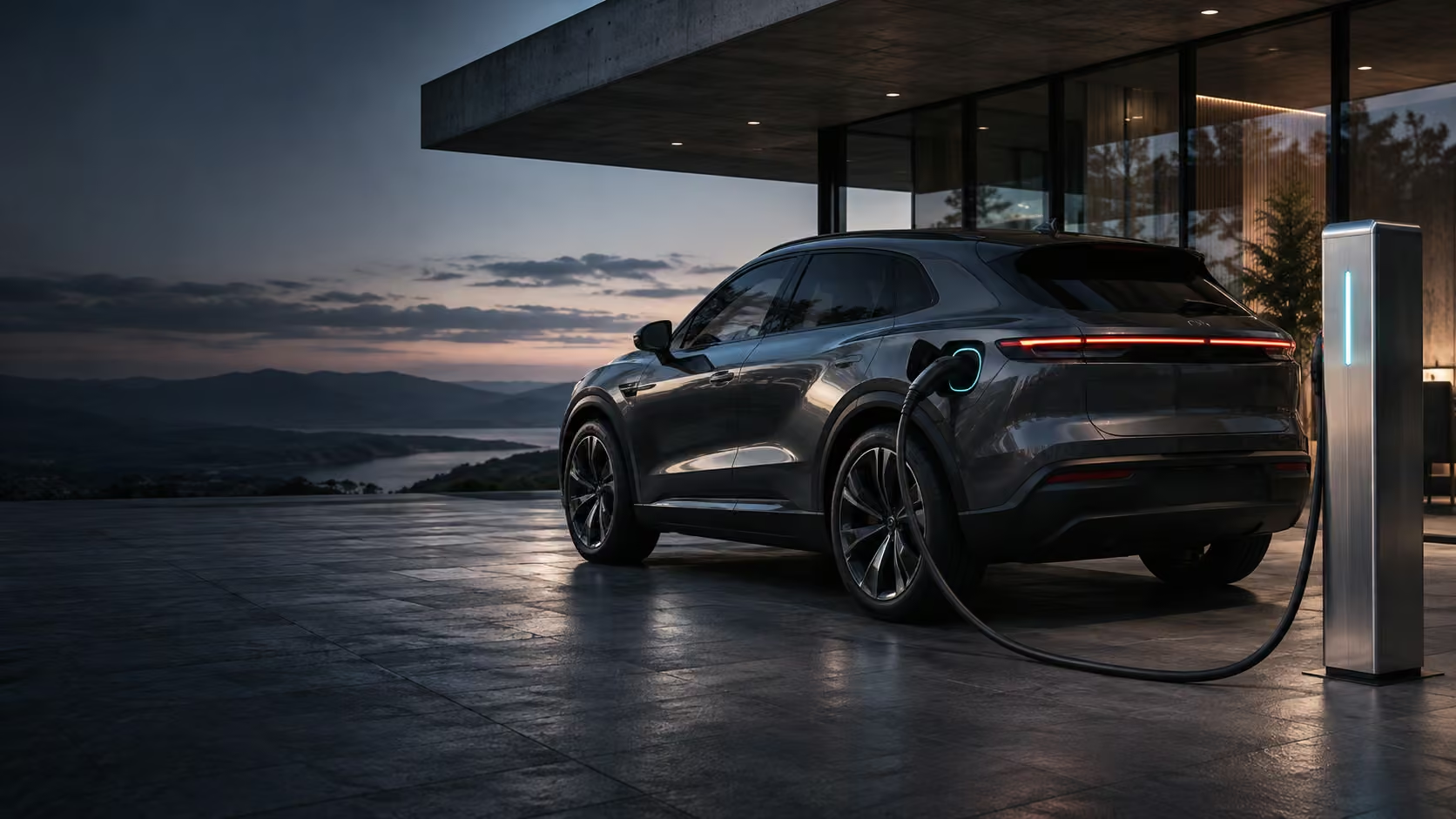
Original illustrative artwork. Vehicle and charger are unbranded concepts, not a STATIC-operated station.
A PLACE TO PLUG IN. A PLAN TO KEEP GOING.
Search public U.S. station records. Look closer at the connector, access and source before choosing your stop.
YOUR NEXT STOP STARTS HERE
Start with a city or ZIP code. The map appears when actual station results arrive.
Directory status is not live occupancy. Compatibility may depend on your vehicle, charging network and approved adapter.
THE OPEN ROAD / A LITTLE MORE CLARITY
Look for the connection that fits your plans. Read the recorded connector, access notes and pricing, then open the location in STATIC Maps.
Keep a possible stop in My Charge for later. Your own saved record stays with your account, ready for the next conversation or journey.
A station location is a starting point. This release does not calculate battery arrival levels, charging-stop optimization or an energy-validated EV route.
HOME / THE CONNECTION YOU COME BACK TO
Give the everyday details a home. Keep vehicle preferences, declared charger information and your manually recorded charging sessions together.
Remember what you used, what you recorded and what needs a closer look. Your private workspace begins with your own information.
Open My Charge ↗One place for the details.
A little less to keep in your head.
FLEET / EVERY VEHICLE HAS A STORY
Bring vehicles, declared charging equipment and recorded sessions into a private place to plan and review. Keep the distinction between what you entered and what a connected operator would need to confirm.
Keep your vehicle preferences and declared charger details together.
Record charging sessions and costs with their actual reported or estimated basis.
Review your information and carry a copy forward from your private workspace.
Manual records today. Charger telemetry, shared fleet permissions, automated reimbursement and remote controls require their own real integrations.
Government station records, source dates and original record links stay visible. An operational listing is not a live free-plug signal.
A listed plug type is one part of compatibility. Your vehicle, adapter, operator and access conditions still matter.
Public discovery is open. Saving records uses your STATIC account and a private workspace, with deliberate actions.
WHEREVER YOUR NEXT MOVE TAKES YOU